Page 1 of 1
how to post pictures
Posted: Sat Nov 06, 2010 3:27 pm
by Gater Dunn
I know this has been answerd before but I cant find it serched for "posting pictures"
how do i post / upload pics
Re: how to post pictures
Posted: Sat Nov 06, 2010 3:46 pm
by rwmiller56
You need to set up a free account on Photobucket, at
http://photobucket.com/. Then you upload your photos to Photobucket.
To post an inline image on this forum:
1. Open the image in Photobucket, then right click on the image, then select "Copy Image Location".
2. When posting on this forum, click the "Img" button.
3. With cursor between the

symbols, select Edit-->Paste from browser menu.
It will appear like this:
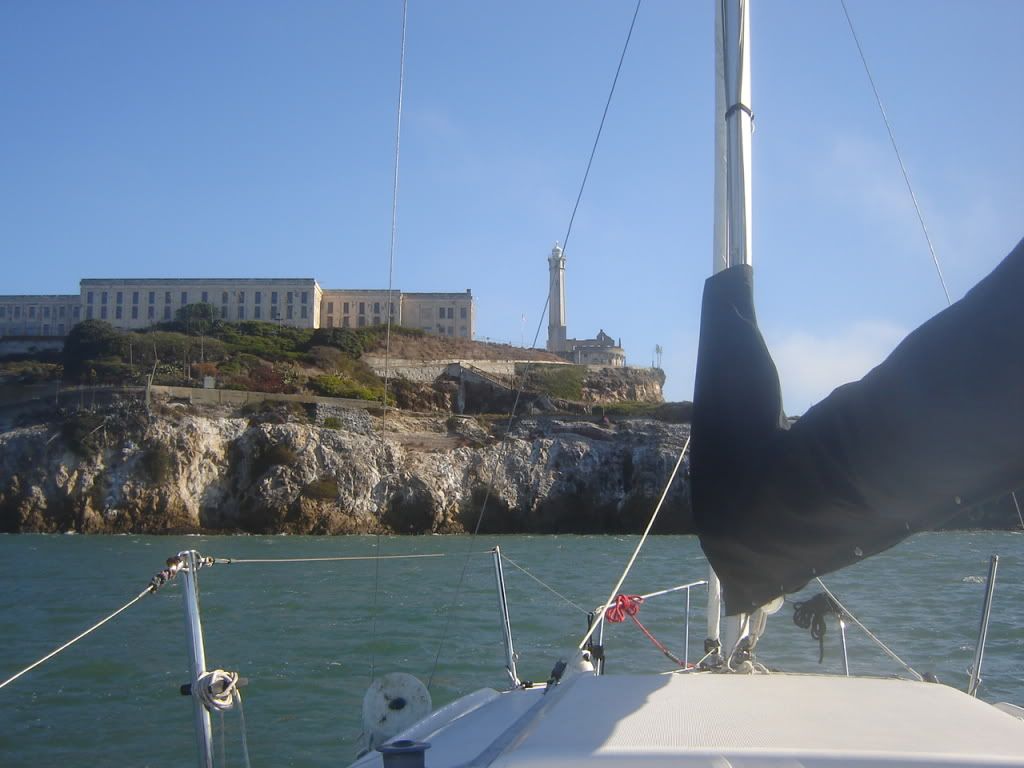
- Roger
Re: how to post pictures
Posted: Sat Nov 06, 2010 4:14 pm
by Wetsocks
Or use
http://imgur.com/
no account needed, super easy.
Re: how to post pictures
Posted: Sat Nov 06, 2010 8:56 pm
by Gater Dunn
Thanks all photobucket worked